Listening progress
ProYour place, finished books and listening sessions carry between phone and PC, so Insights, streaks and badges agree.
Continue from 1:42:10 (from Pixel 8)
HushBook offers the other device's place. It never jumps on its own.

Transcribe audiobooks on your PC and read along on a big screen.
Free · Windows 10 or 11, 64-bit
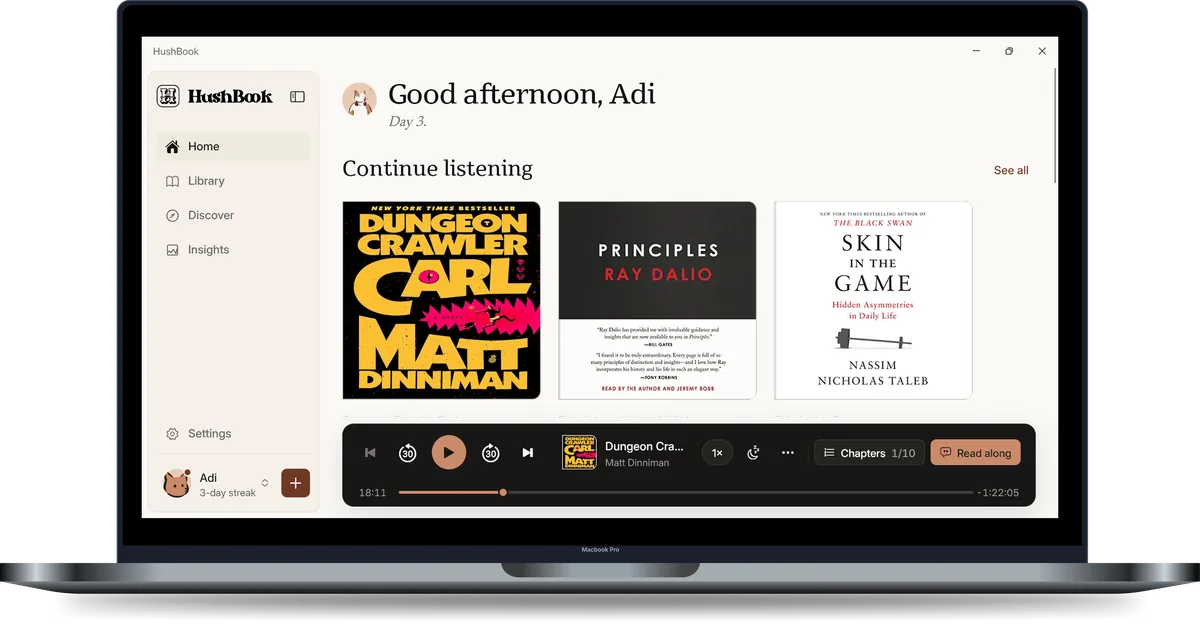
HushBook runs whisper.cpp on your graphics card, with the Turbo model and word-level timing. On a PC without a capable card, it uses the processor.
Speed on this PC
13× real time
A 10 hour book takes about 45 min.
NVIDIA GeForce GTX 1650
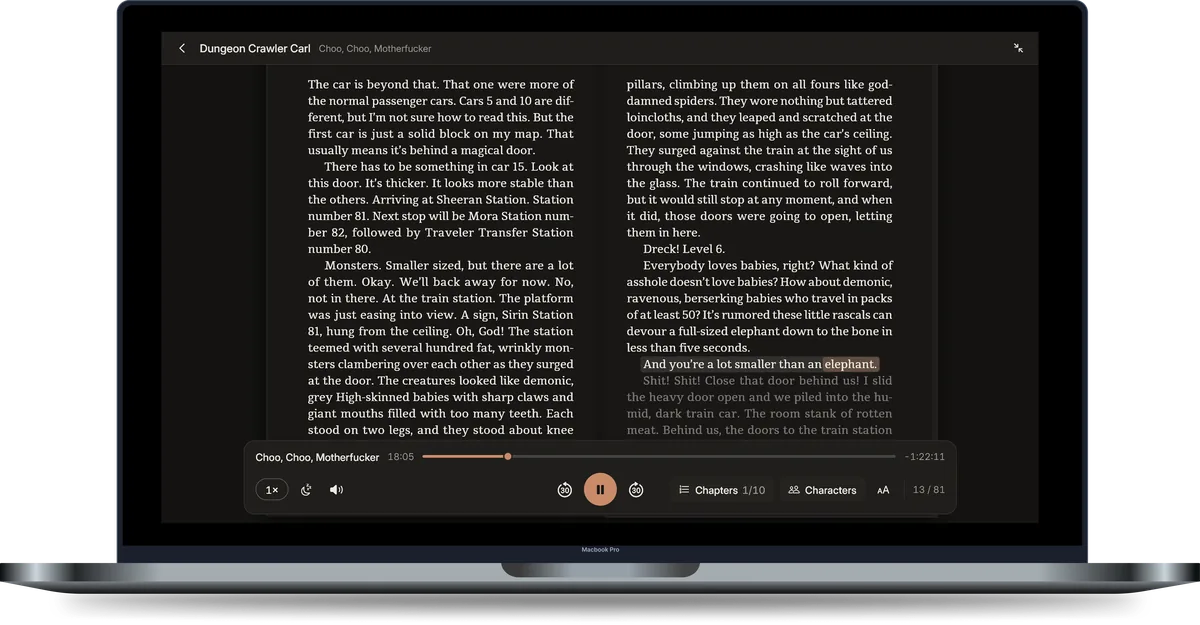
Every word lights up as the narrator reads it, set in pages like a printed book. Your phone stays paired beside it, on the same page.
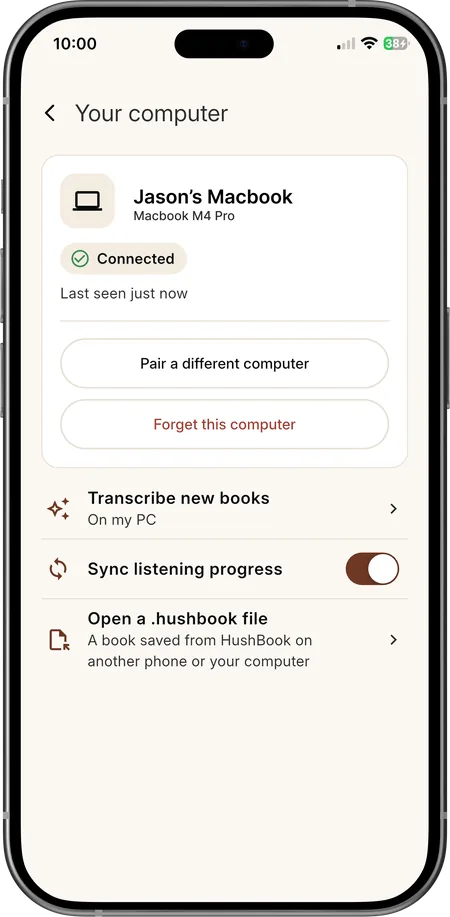
Pair them once on the same Wi-Fi. They talk to each other directly, with no cloud in between. A phone pairs with one computer.
Your place, finished books and listening sessions carry between phone and PC, so Insights, streaks and badges agree.
Continue from 1:42:10 (from Pixel 8)
HushBook offers the other device's place. It never jumps on its own.
Your phone takes a book from the PC's library, audio and transcript.
Needs HushBook 1.3.5 or newer on the phone.
Pro is bought in the phone app, and the paired PC has it too. The Desktop platform sells nothing and it's free to use.
Import MP3 and M4B files or whole folders. Covers and chapters come from the files.
One file carries a book between phone and PC, both ways: audio, transcripts, e-book and its sync, cover.
Free public-domain audiobooks to browse and download.
Listening time, streaks and badges.
Settings → About → Check for updates.

Free · Windows 10 or 11, 64-bit
The installer isn't code-signed yet, so Edge, Chrome and Windows treat it as unfamiliar until enough people have installed it. It comes only from downloads.hushbook.app.